One Price One World : Shop

-
SHOP ALL CATEGORIES





|
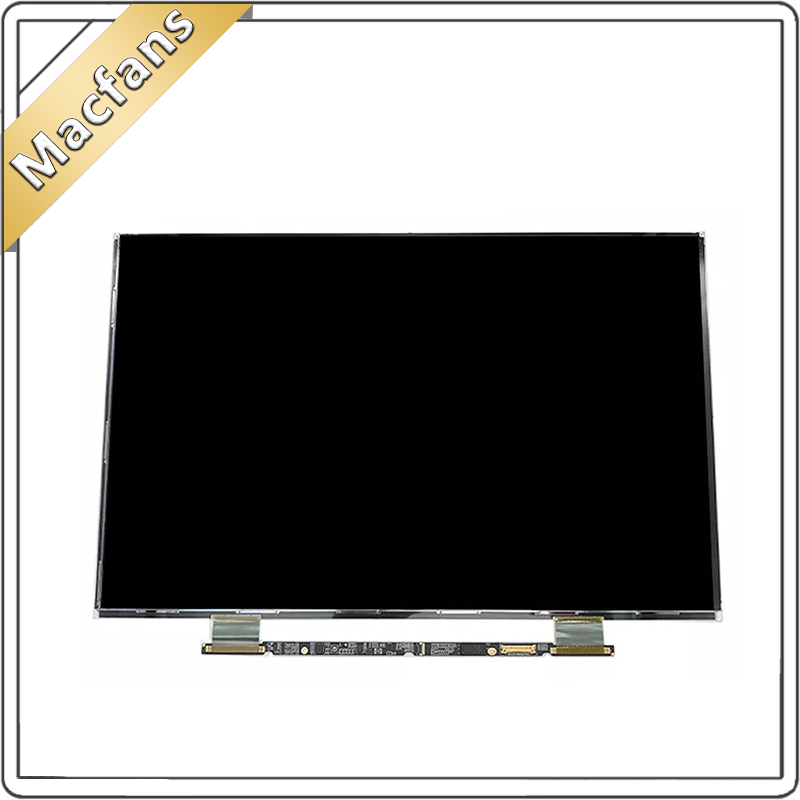
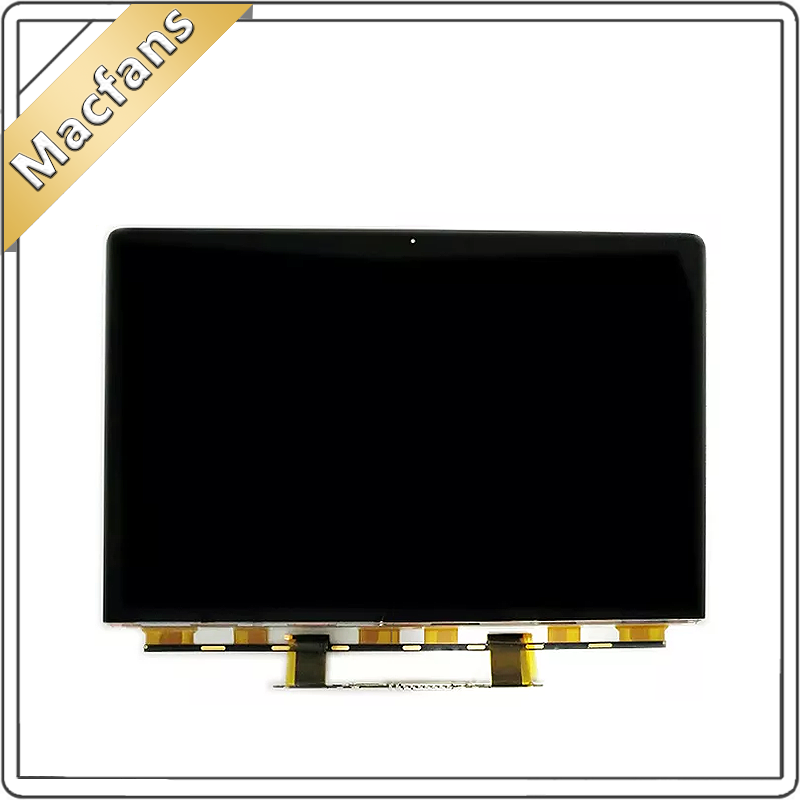
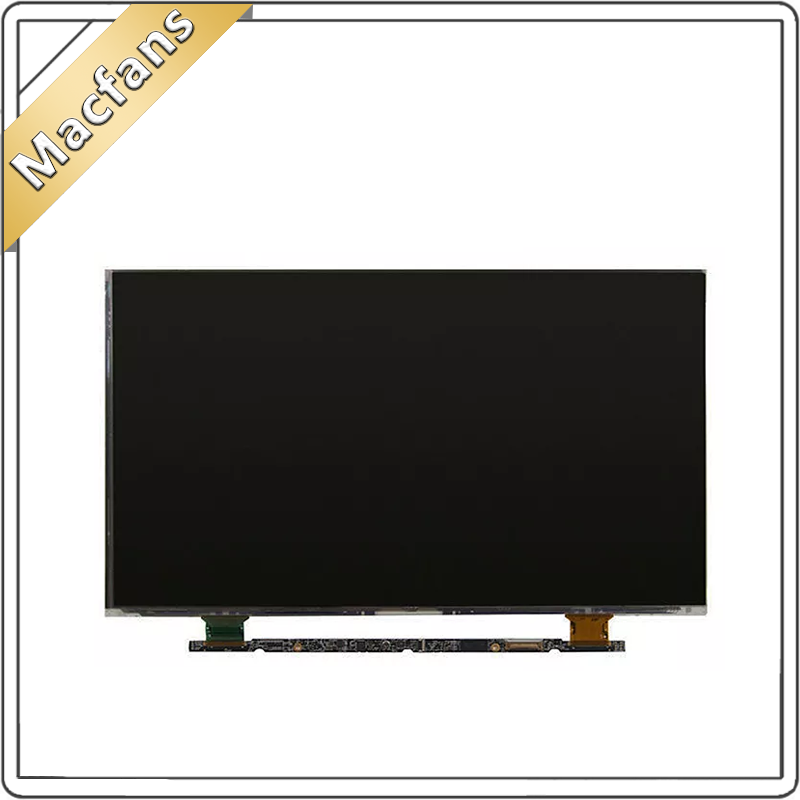
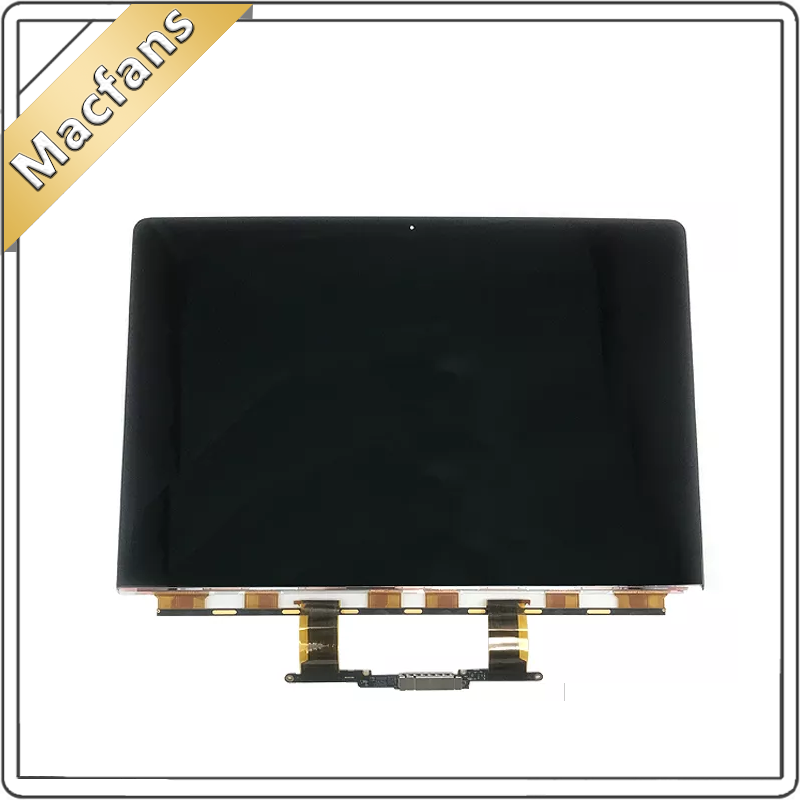
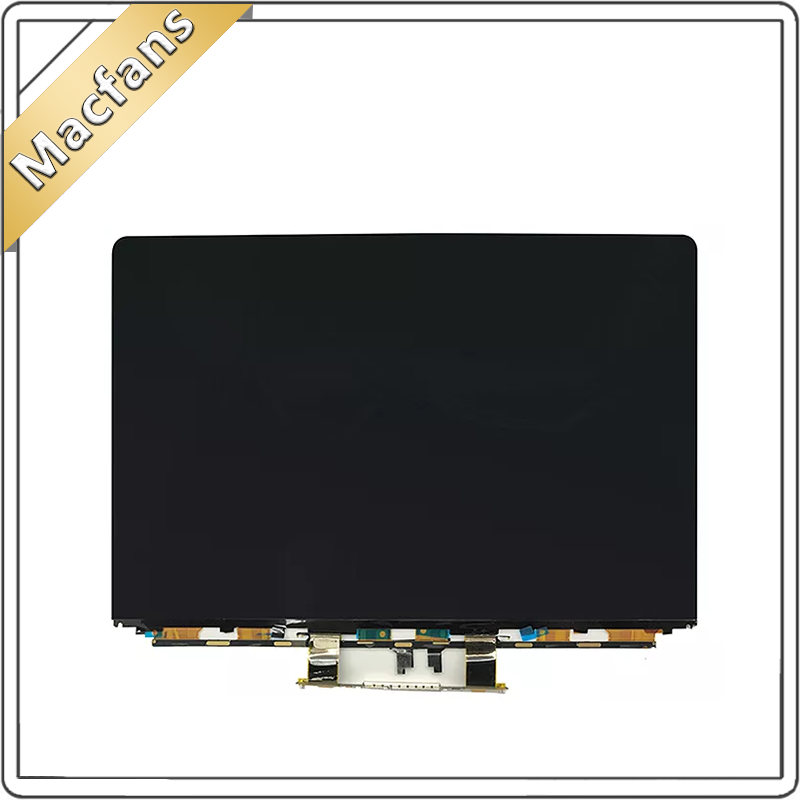
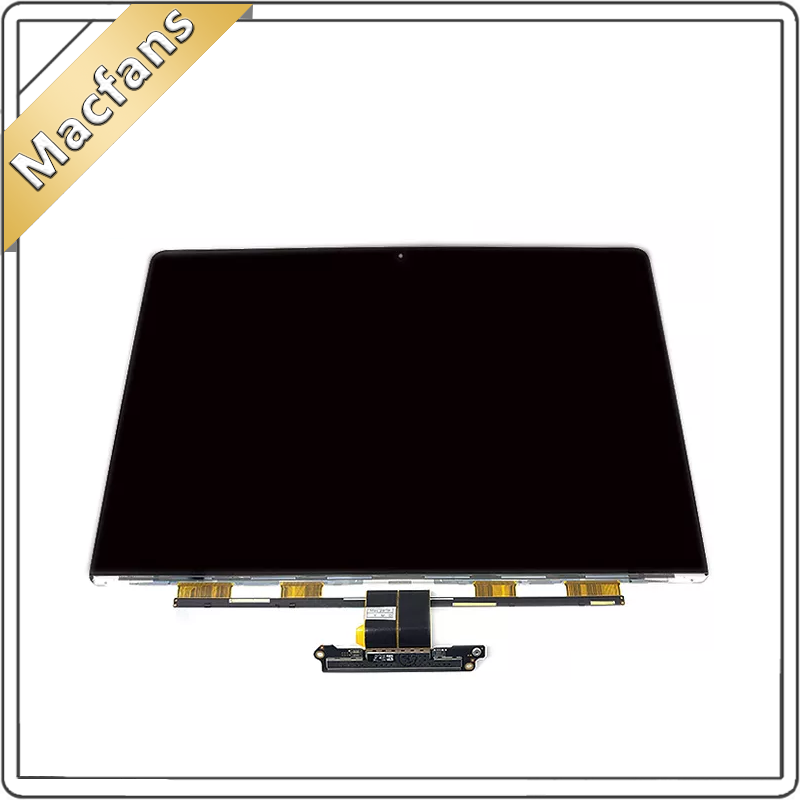
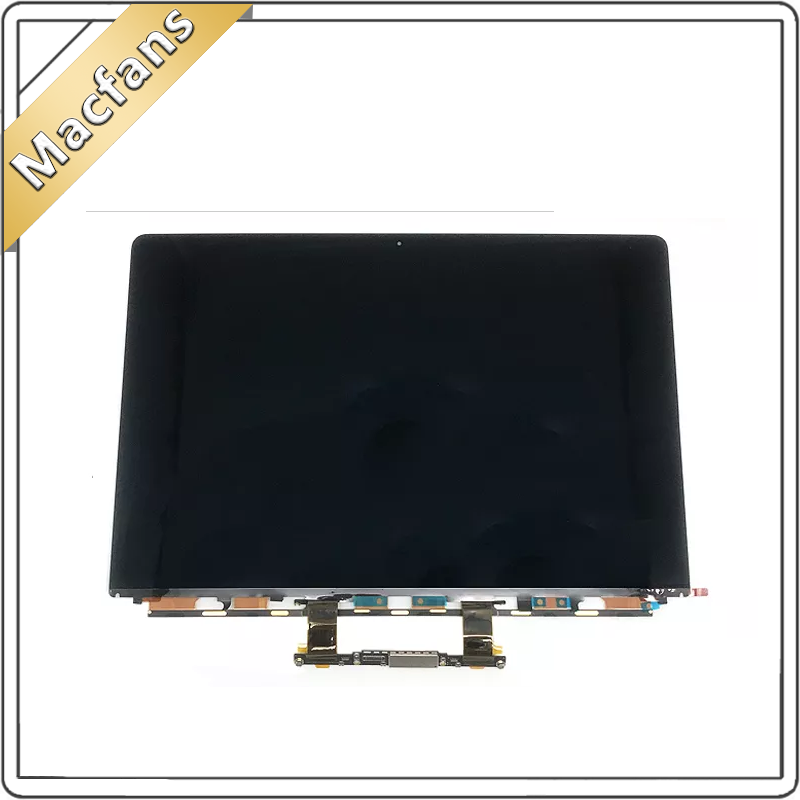
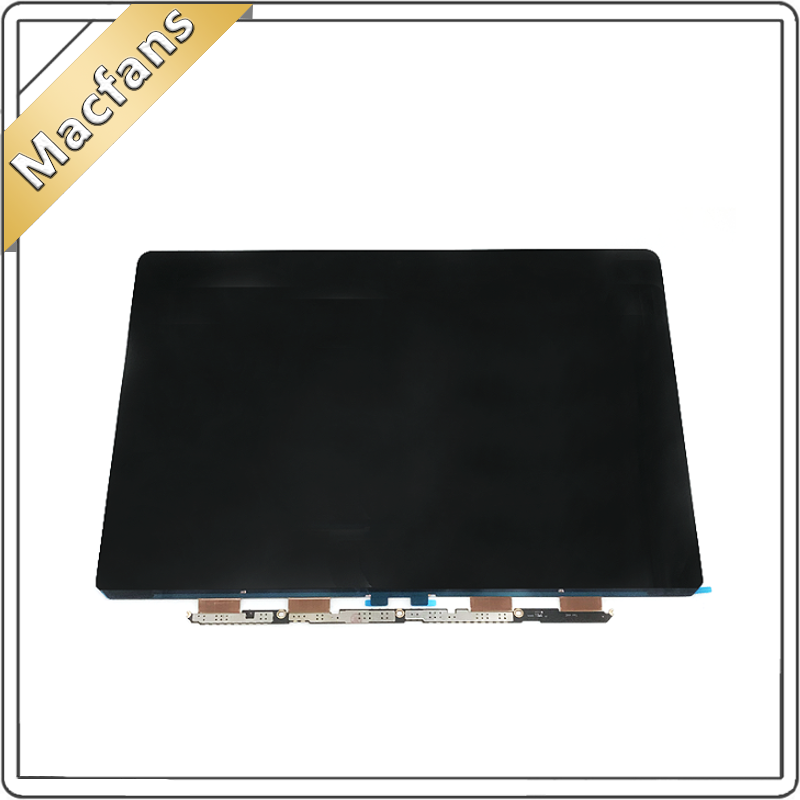
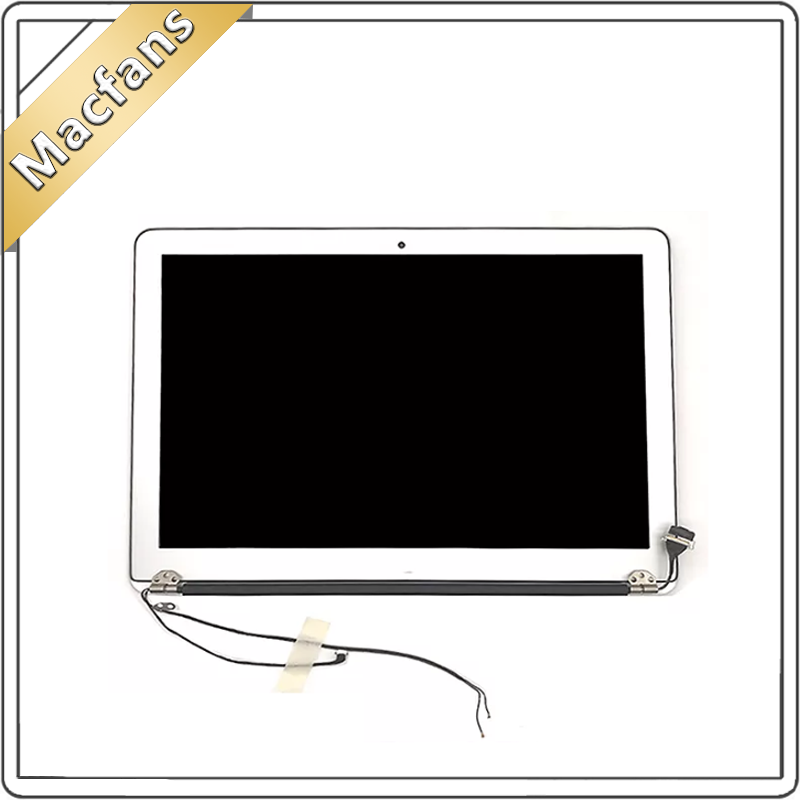
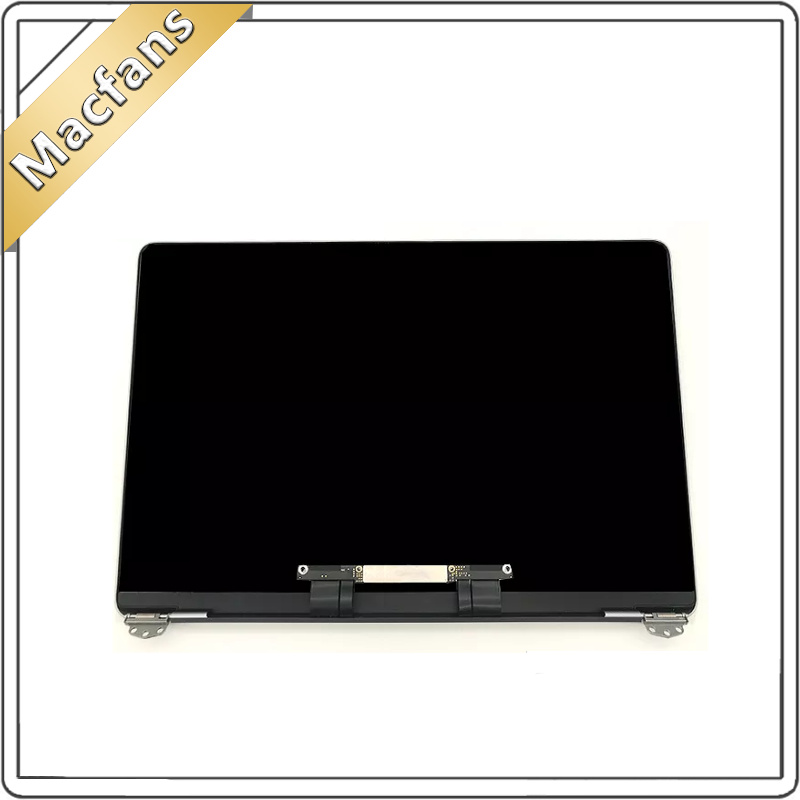
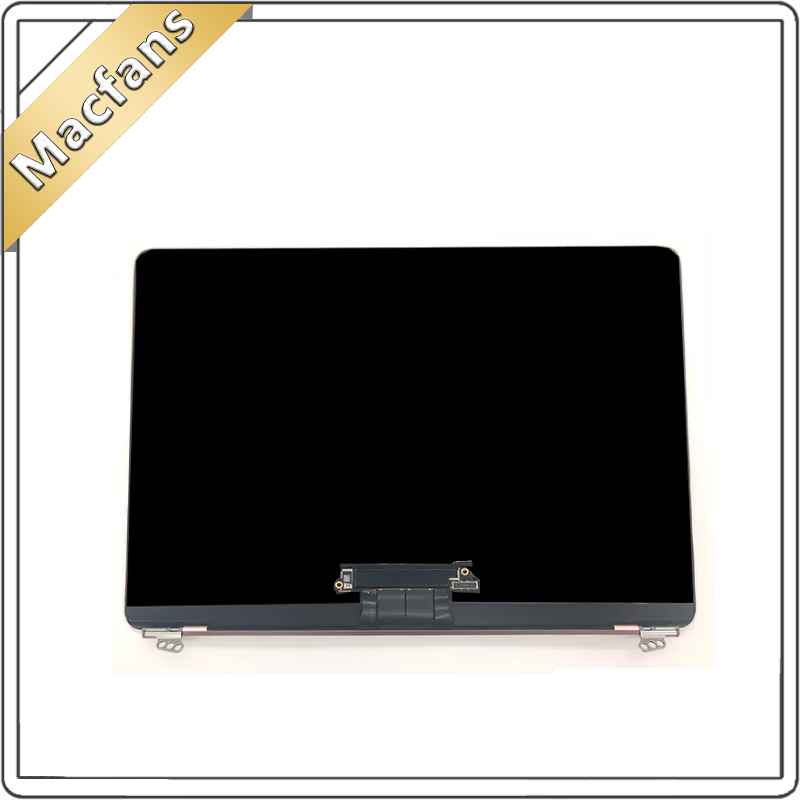
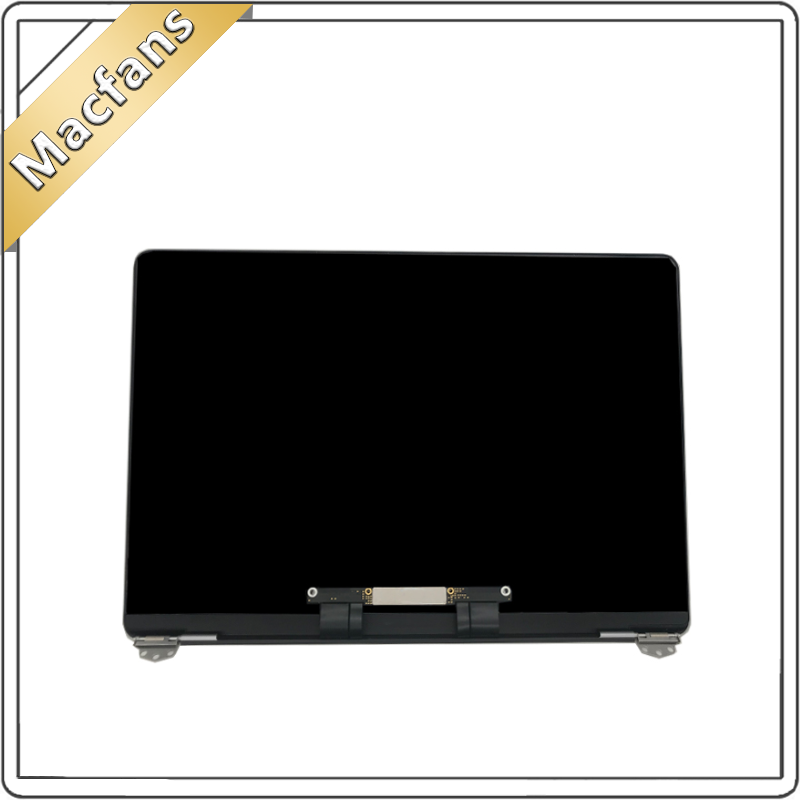
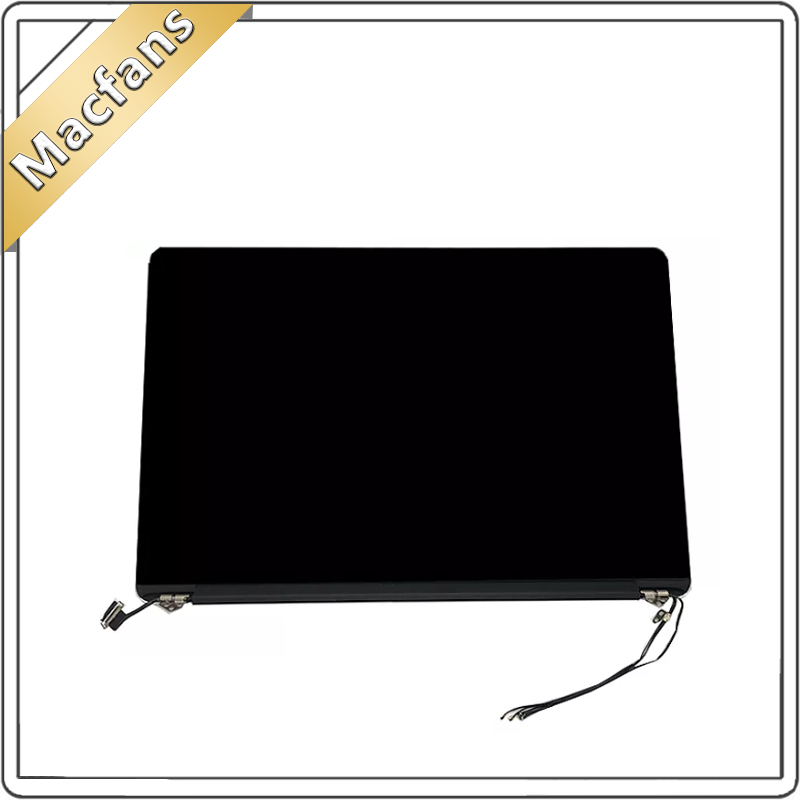
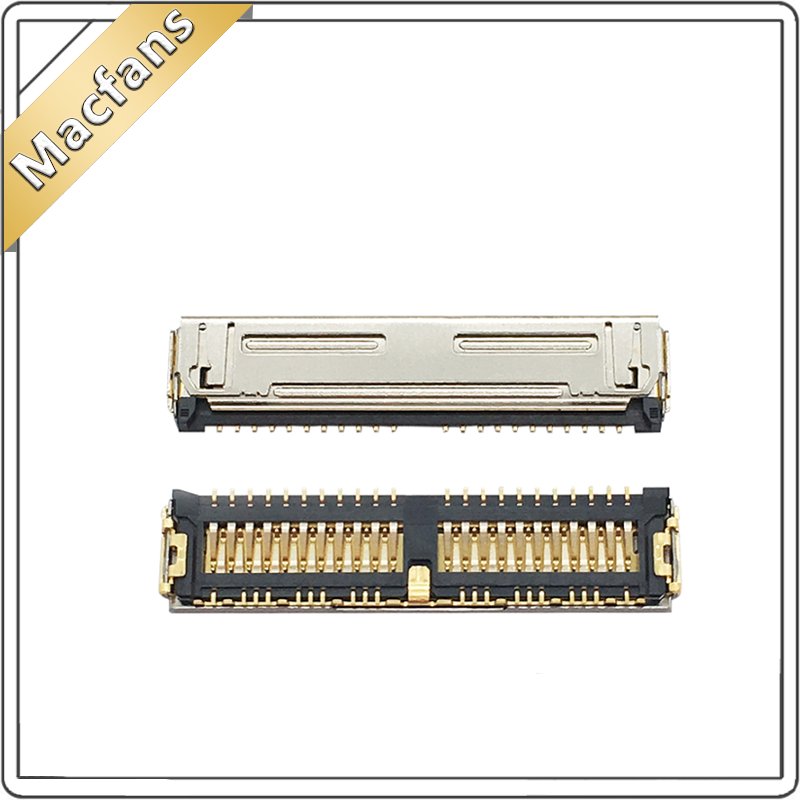
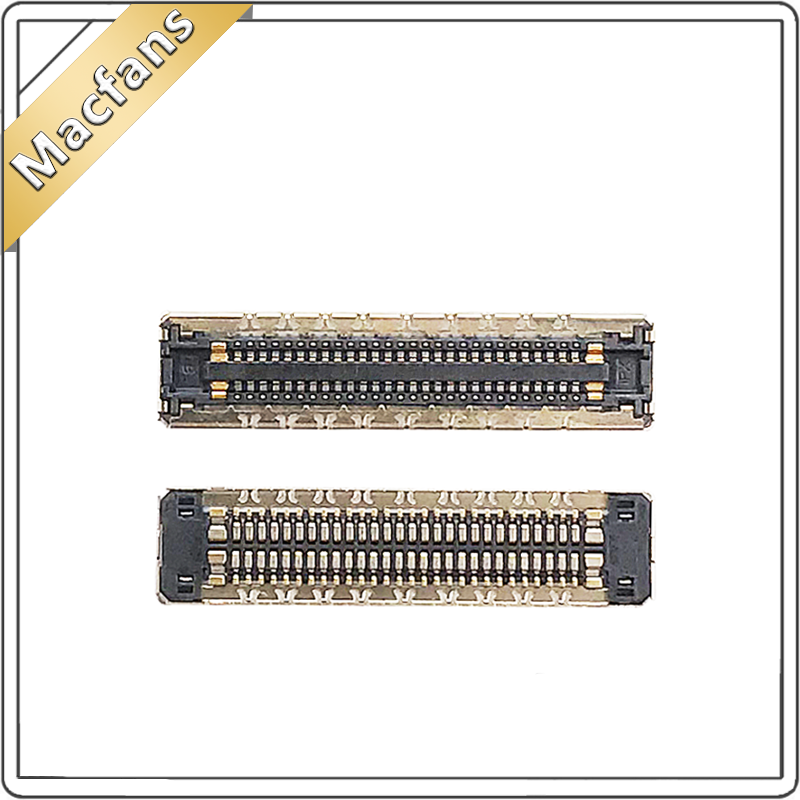
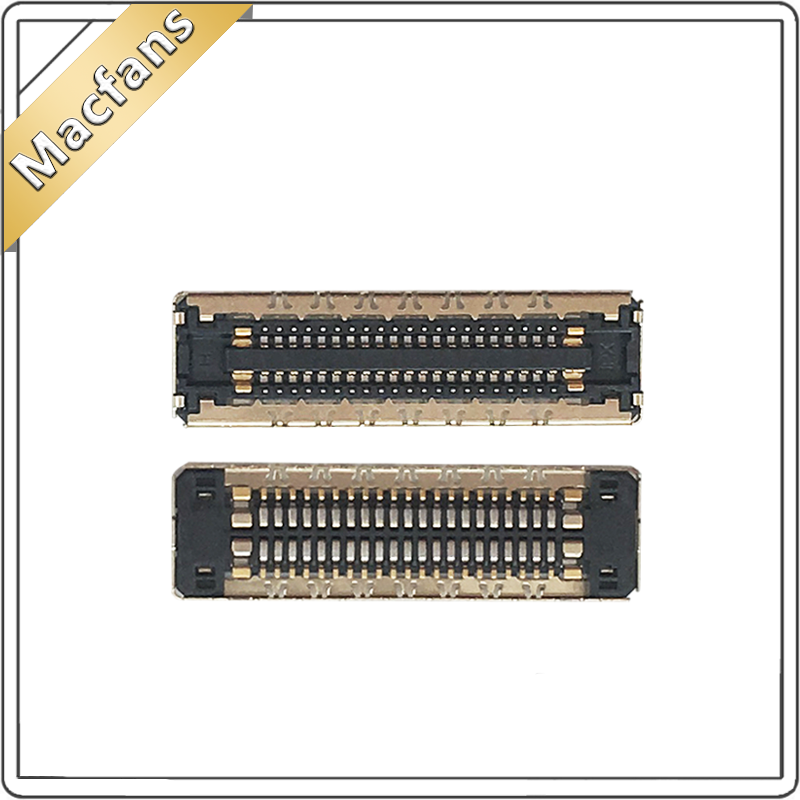
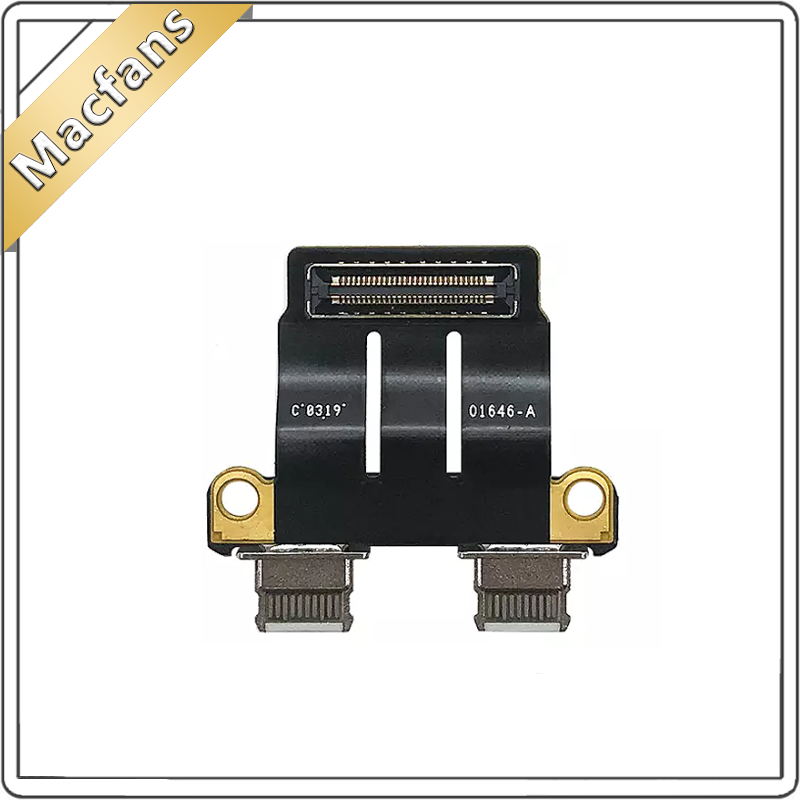
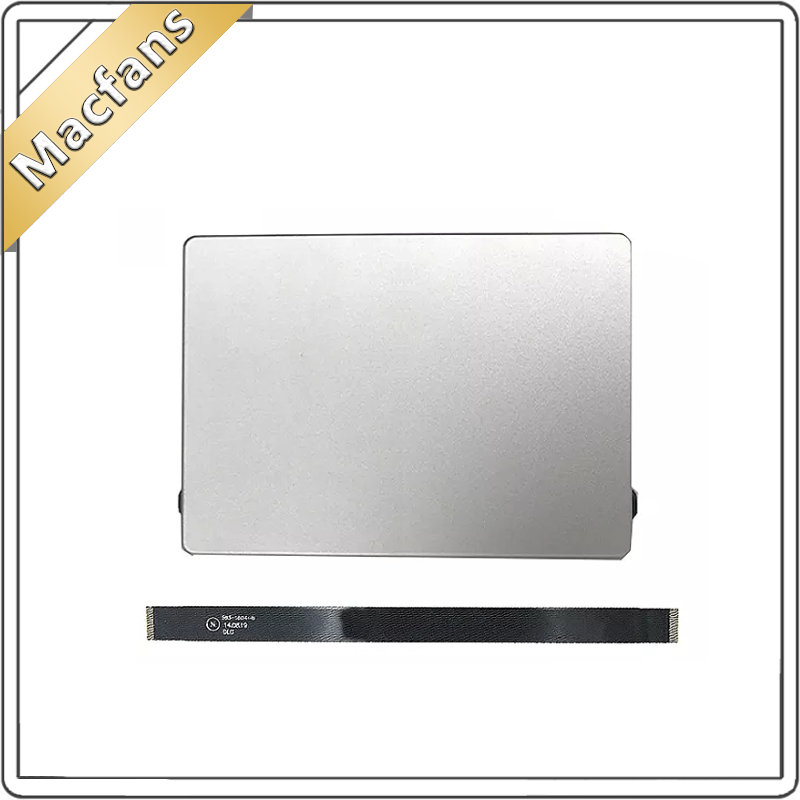
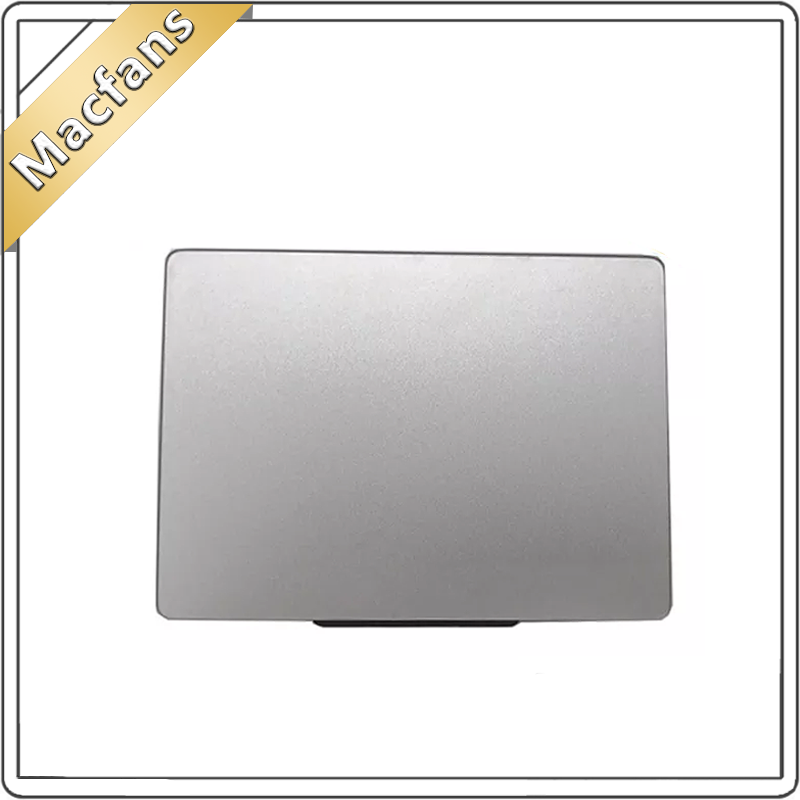
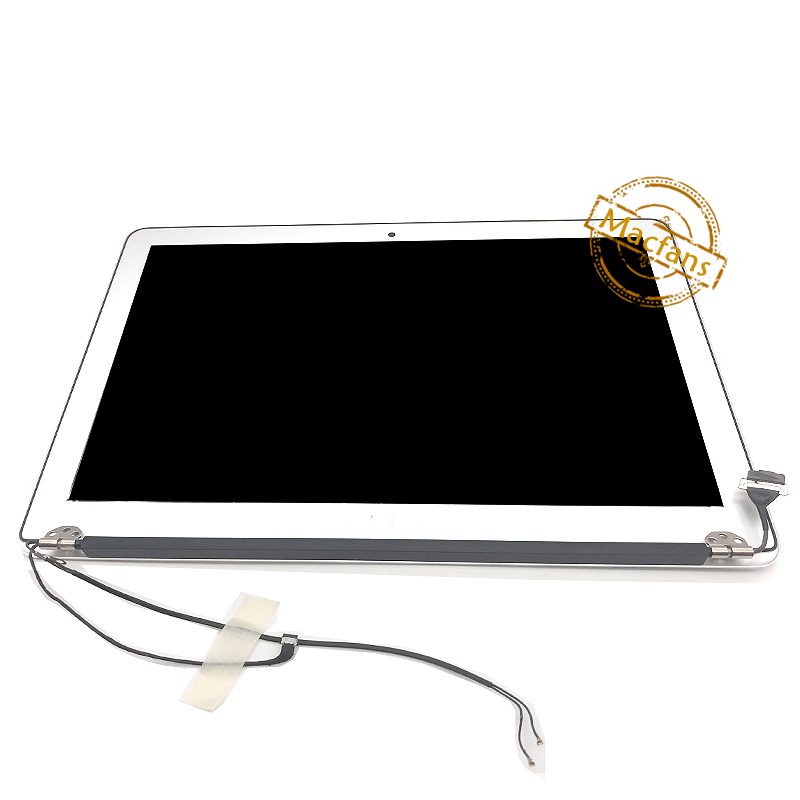
New A1466 LCD Assembly for Macbook Air 13.3” A1466 LCD Display Screen Assembly 661-7475 EMC 2632 EMC 2925 3178 2013-2017 MD760 Item NO.: 362134293
Copy and share this link on social network or send it to your friends
Copy- 1. Unused product.
- 2. 3 months warranty.
- 3. The return shipping fee is borne by the buyer.
| Product Name | New A1466 LCD Assembly for Macbook Air 13.3” A1466 LCD Display Screen Assembly 661-7475 EMC 2632 EMC 2925 3178 2013-2017 MD760 |
| Item NO. | 362134293 |
| Weight | 1 kg = 2.2046 lb = 35.2740 oz |
| Category | LCD Assembly > For A1466 |
| Tag | A1466 , A1237 |
| Brand | SHELI(奢立) |
| Creation Time | 2020-10-09 |

New A1466 LCD Screen MD760 MJVE2 MQD32 for Macbook Air 13.3" A1466 Display Screen Assembly 661-7475 EMC 2632 EMC 2925 EMC 3178 2013-2017

We accept Paypal, DBS Bank (Hong Kong) Limited, Western Union, Alipay, Wechat, Offline payment, etc.

Please note:

Please contact us within 7 days of receipt to return it for refund or exchange.
Buyer Pays return shipping fee.
If for any reason the part is received in an unsatisfactory condition. please contact us on Aliexpress. We will respond within 24hrs unless during a weekend or a holiday.


You May Also Like

- Company Info
- Feedback
- Customer Reviews
- About Us
- Contact Us
- News
- User Center
- Forget Password
- My Orders
- Tracking Order
- My Account
- Register
- Payment & Shipping
- Customs & Taxes
- Locations We Ship To
- Shipping Methods
- Payment Methods
- Company Policies
- Return Policy
- Privacy Policy
- Terms of Use
- Infringement Policy
- Other Information
- Sitemap
- Affiliate Program
- Dropship
- Wholesale

No related record found